Getting started
Welcome
Everything you need to build a site with NovaSpark, from first install to going live.
Thank you for choosing NovaSpark. This documentation covers every part of the theme — installing it, importing a demo, designing your header and footer, and adjusting the hundreds of settings underneath. It assumes no previous WordPress experience.
What NovaSpark is #
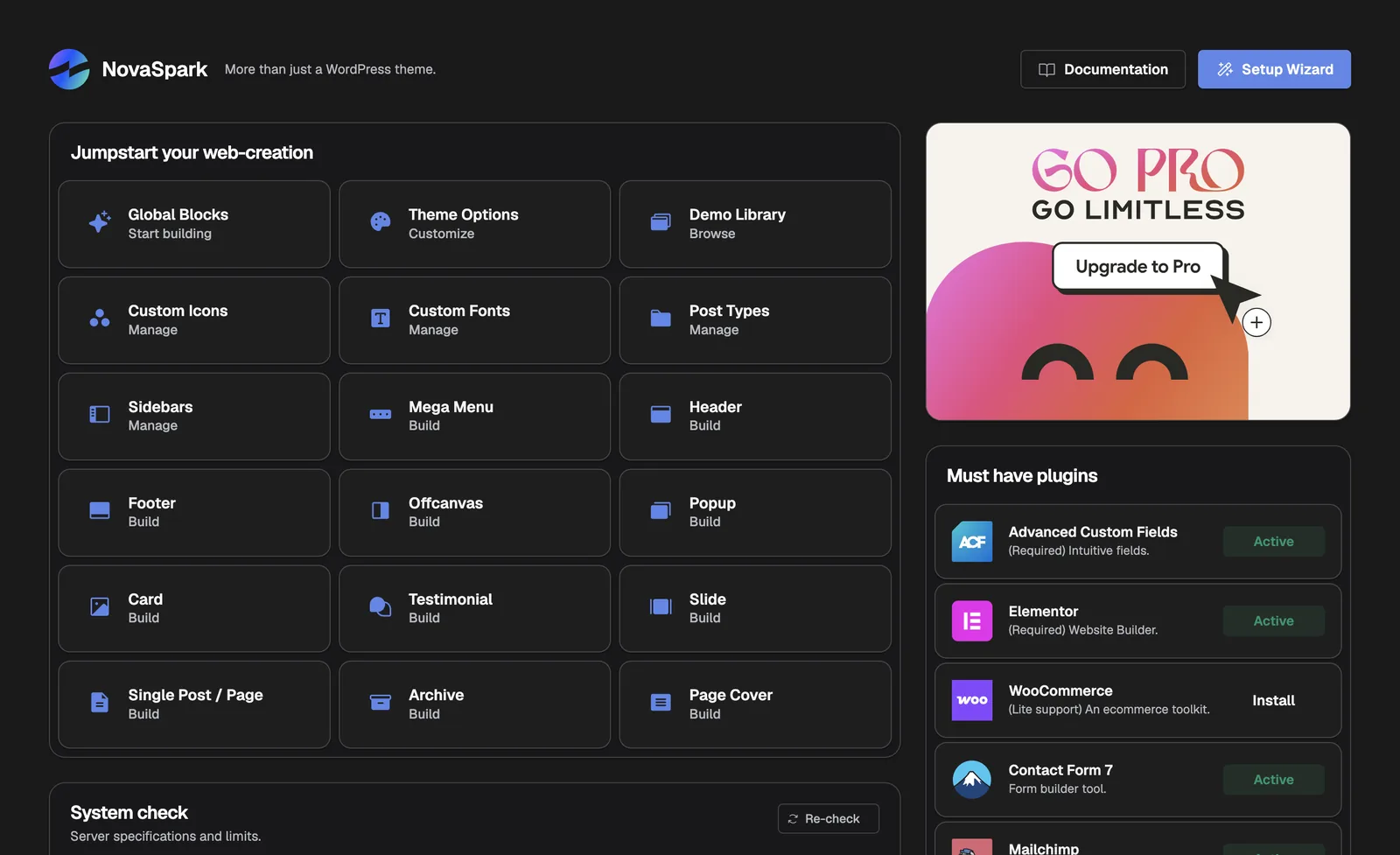
NovaSpark is a WordPress theme built on Elementor, the free visual page builder. Rather than giving you a fixed design with a handful of colour options, it lets you design the whole site visually — including the parts most themes keep locked away.
| You can design | Using |
|---|---|
| Your header, footer, mega menus, popups and slide-in panels | Global Blocks |
| Blog post and archive layouts, and page cover areas | Templates |
| Colours, fonts, spacing and rounding across the whole site | Theme Options |
| Individual pages and sections | Elementor, plus NovaSpark’s own widgets |
Two pieces make that work: the theme, which handles how your site looks, and NovaKit Core, a companion plugin that provides the features. You install both — the theme walks you through it.
Everything described in this documentation is included. There is no paid add-on, no locked feature and no separate licence to buy. Where a page says a feature needs Advanced Custom Fields, Elementor or WooCommerce, those are free plugins from WordPress.org that NovaSpark can install for you.
Quick start #
The fastest route from download to a finished-looking site:

- Check your serverConfirm you are on PHP 8.1 or newer. See Requirements.
- Install the theme and its pluginsUpload the theme, then accept the prompt to install Elementor, Advanced Custom Fields and NovaKit Core. See Installation.
- Run the Setup WizardIt checks your server, installs anything else you want, and imports a complete demo site. See Setup Wizard.
- Make it yoursSwap the logo, colours and fonts in Theme Options, then replace the demo text and images with your own.
Start on a fresh WordPress install if you can. Importing a demo is far simpler on an empty site than on one that already has content. If you are adding NovaSpark to a live site, skip the demo import and build your pages directly instead.
How to use these docs #
The sidebar is ordered the way you will actually work: set up, then build, then maintain. If you are looking for something specific, press ⌘K (or Ctrl K on Windows) to search every page.
A few pages are marked Dev in the sidebar. Those involve editing files, and are entirely optional — the theme works fully without ever opening one.
Coloured panels flag things worth pausing on — a requirement, a tip, or a warning about something that is hard to undo.
Version and licence #
| Version | 1.0.0 — see the Changelog |
| Licence | GNU General Public License v2 or later |
| Requires | WordPress 6.4+, PHP 8.1+ |
| Support | See Support & Credits |
Your purchase from ThemeForest includes the theme, the NovaKit Core plugin, every demo, and item support under Envato’s standard terms. The images used in the demos are for illustration and are not redistributed with the theme.